100% local - your documents never leave your Mac
๐Ÿ”— Merge
โœ‚๏ธ Split
๐Ÿ“‹ Extract
๐Ÿ”„ Rotate
๐Ÿ“ Crop
๐Ÿ–Š๏ธ Annotate
๐Ÿ“ Forms
๐Ÿ” Protect
๐Ÿ“ฆ Compress
๐Ÿ” OCR
โšก Batch
๐Ÿค– AI Chat
๐ŸŽ™๏ธ Voice
โœ๏ธ Sign
Download for Mac See all features
macOS 13+

Everything you need.
Nothing you don't.

The most comprehensive PDF toolkit for Mac. Every feature you'd expect from professional tools โ€” plus AI.

๐Ÿ“„ Page Manipulation

Complete control over your PDF pages

๐Ÿ”—

Merge PDFs

Combine multiple PDFs into one. Drag and drop to arrange order before merging.

โœ‚๏ธ

Split PDFs

Divide by page ranges, bookmarks, file size, or into individual pages.

๐Ÿ“‹

Extract Pages

Pull out specific pages or ranges to create a new PDF.

๐Ÿ”„

Rotate Pages

Rotate 90ยฐ, 180ยฐ, or 270ยฐ. Single pages or entire documents.

๐Ÿ“

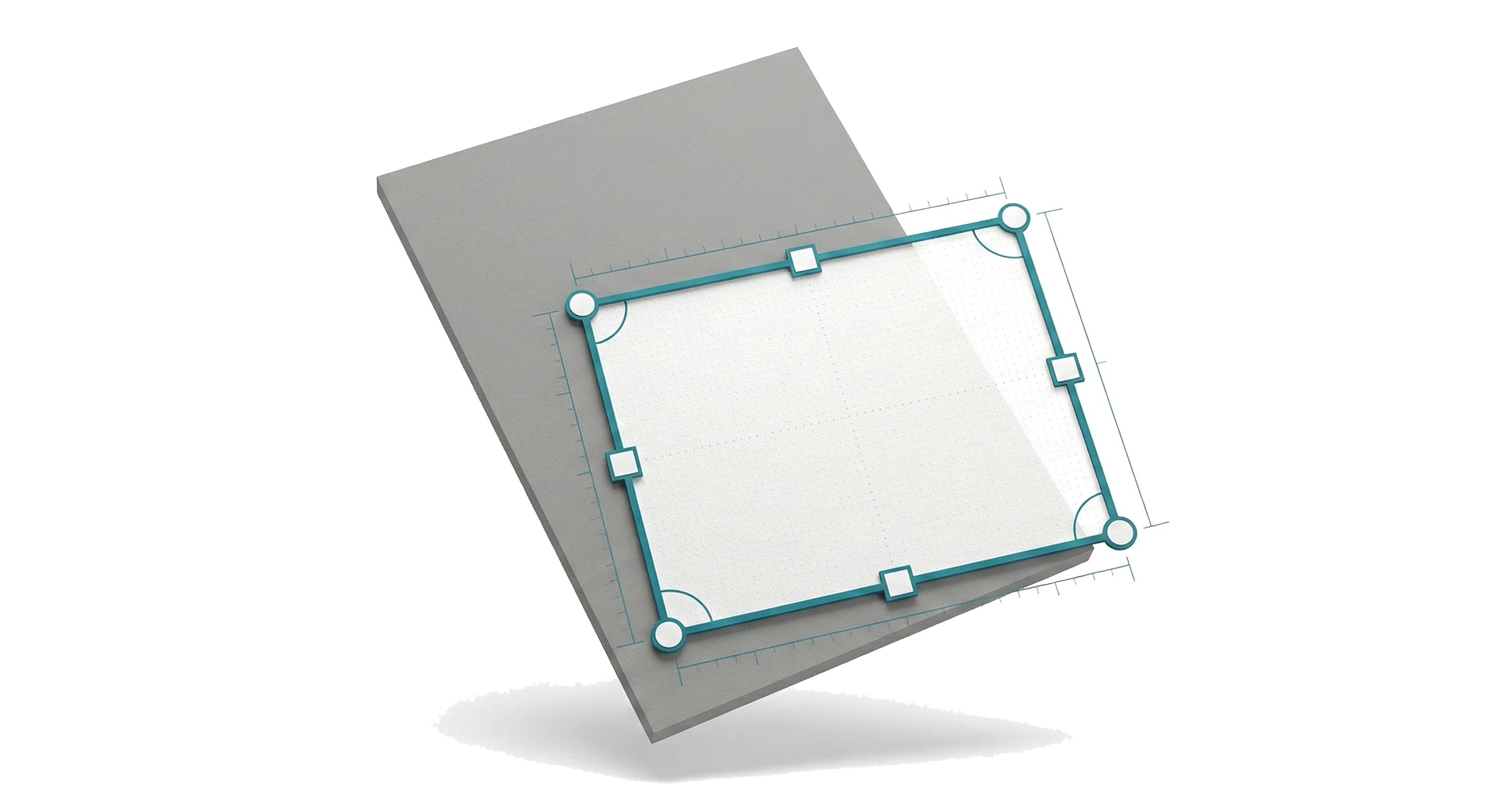
Crop Pages

Visual crop tool to remove margins and focus on content.

โ†•๏ธ

Reorder Pages

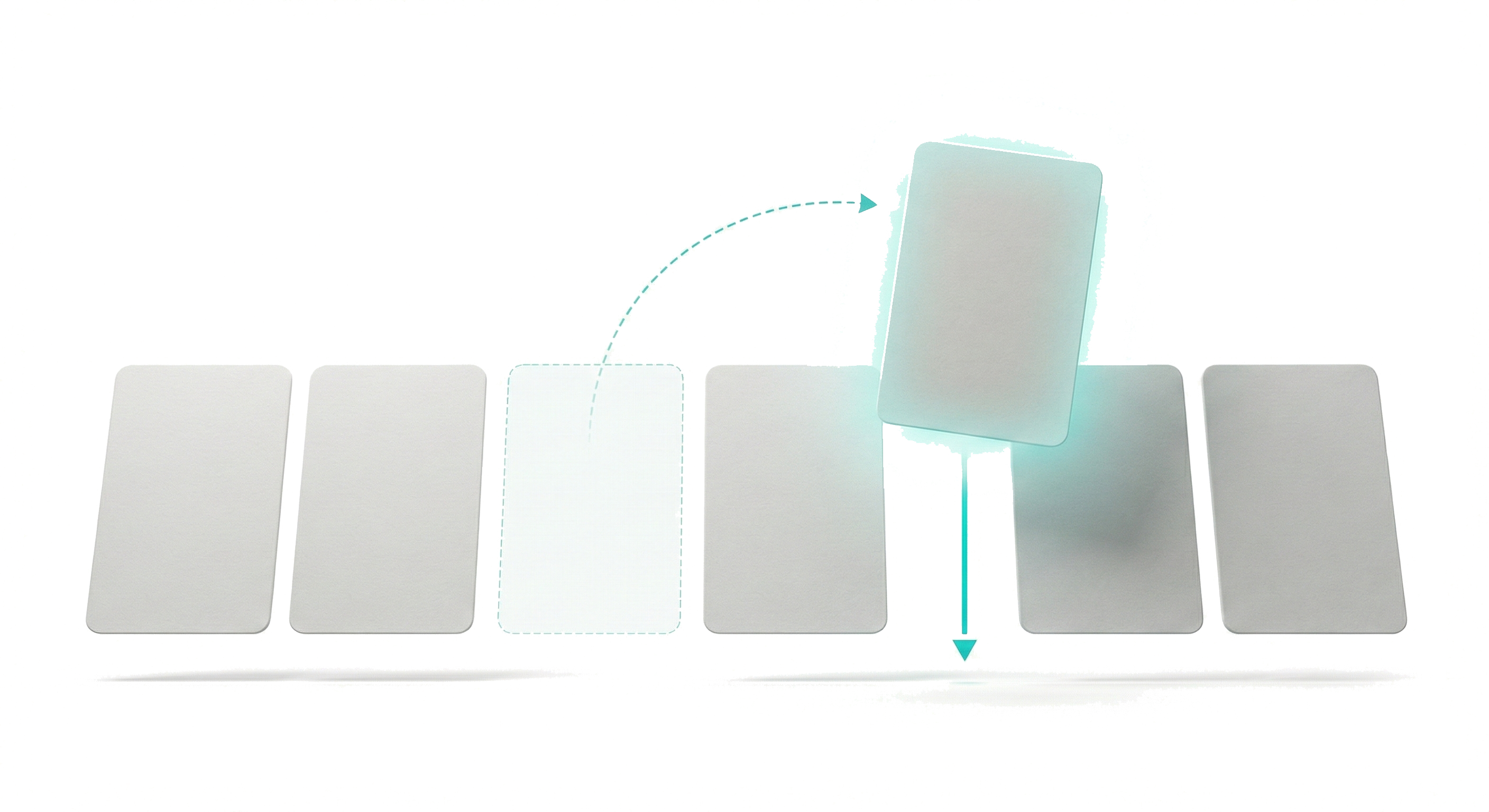
Drag and drop thumbnails to rearrange page order instantly.

๐Ÿ—‘๏ธ

Delete Pages

Remove unwanted pages. Select multiple to delete at once.

๐Ÿ“‘

Duplicate Pages

Copy pages within documents. Perfect for templates.

๐Ÿ”ƒ

Reverse Order

Flip the order of all pages with one click.

๐Ÿ”€

Interleave PDFs

Alternate pages from two PDFs โ€” perfect for front/back scans.

๐Ÿ“

Resize Pages

Change page dimensions with presets or custom sizes.

โž•

Add Margins

Add white space around pages for binding or notes.

โœจ

Auto-Crop

Automatically remove white space from all pages.

๐Ÿ“„

Normalize Sizes

Make all pages the same size as the first page.

๐Ÿ“

Insert Blank Pages

Add blank pages at any position in the document.

๐Ÿ–ผ๏ธ

Import Images

Insert images as new pages from files or clipboard.

โœ๏ธ Content & Overlay

Add watermarks, page numbers, headers, and more

๐Ÿ’ง

Watermark

Add text watermarks with custom opacity, rotation, and positioning.

#๏ธโƒฃ

Page Numbers

Add page numbers at any position with custom formatting.

๐Ÿ“

Header/Footer

Add custom headers and footers to all pages.

๐Ÿท๏ธ

Bates Numbering

Add sequential legal stamps for document tracking.

๐ŸŽจ

Background Color

Add background colors to pages for better readability.

๐Ÿ–Š๏ธ Annotations & Markup

Mark up documents with highlights, notes, shapes, and more

๐ŸŸก

Highlight Text

Add yellow or colored highlights to important text.

๐Ÿ“

Underline & Strike

Underline or strikethrough text annotations.

๐Ÿ“Œ

Sticky Notes

Add comment boxes anywhere on pages.

๐Ÿ”ค

Text Boxes

Add free-form text annotations anywhere.

โžก๏ธ

Lines & Arrows

Draw lines and arrows to point out details.

โฌœ

Shapes

Add rectangles, circles, and ellipses.

โœ๏ธ

Digital Signature

Capture and add your signature to documents.

๐Ÿงน

Clear Annotations

Remove individual or all annotations from documents.

๐Ÿ“‹ Forms

Fill, create, and flatten PDF forms

โœ๏ธ

Fill Text Fields

Fill in text form fields with your information.

โ˜‘๏ธ

Checkboxes

Check and uncheck form checkboxes easily.

๐Ÿ”˜

Radio Buttons

Select radio button options in forms.

๐Ÿ“‹

Dropdowns

Select from dropdown lists in fillable forms.

โž•

Create Form Fields

Add new text fields, checkboxes, radio buttons, dropdowns.

๐Ÿ“„

Flatten Forms

Convert form fields to static text for distribution.

๐Ÿ” Security & Protection

Protect sensitive documents and remove private information

๐Ÿ”

Password Protect

Add password encryption to PDFs.

๐Ÿ”“

Unlock PDF

Remove password protection (if permitted).

๐Ÿงน

Remove Metadata

Strip author, title, keywords, and document info.

โ–ˆ

Redact Content

Permanently remove sensitive content with visual redaction.

โš™๏ธ Processing & Conversion

Compress, convert, optimize, and extract

๐Ÿ“ฆ

Compress PDF

Reduce file size for sharing via email.

โฌ›

Grayscale

Convert all pages to black and white.

๐Ÿ”

OCR

Recognize text from scanned pages.

๐ŸŒ

Optimize for Web

Linearize PDFs for fast web loading.

๐Ÿ–ผ๏ธ

Export as Images

Export pages as PNG or JPG files.

๐Ÿ“„

Export to Word

Convert PDF content to editable .docx files.

๐ŸŒ

Web to PDF

Convert web pages to PDF documents.

๐Ÿ“

Extract Text

Export all text to .txt files.

๐Ÿ–ผ๏ธ

Extract Images

Save all images from PDF as separate files.

๐ŸŽฌ Rich Media

Embed video, audio, and file attachments

๐ŸŽฌ

Insert Video

Embed video files directly into your PDF.

๐Ÿ”Š

Insert Audio

Add sound and audio clips to documents.

๐Ÿ“Ž

Attach Files

Embed any file as an attachment in the PDF.

๐Ÿ“š Document Structure

Bookmarks, outlines, and internal links

๐Ÿ“–

View Bookmarks

Navigate documents using the outline/bookmark panel.

โž•

Add Bookmarks

Create navigation bookmarks for quick access.

๐Ÿ”—

Internal Links

Add page-to-page navigation links.

๐ŸŒ

External Links

Add URLs and web links within PDF content.

๐Ÿค– AI Features

Chat with your documents using powerful AI โ€” with multiple provider options

๐Ÿ’ฌ

AI Chat with Documents

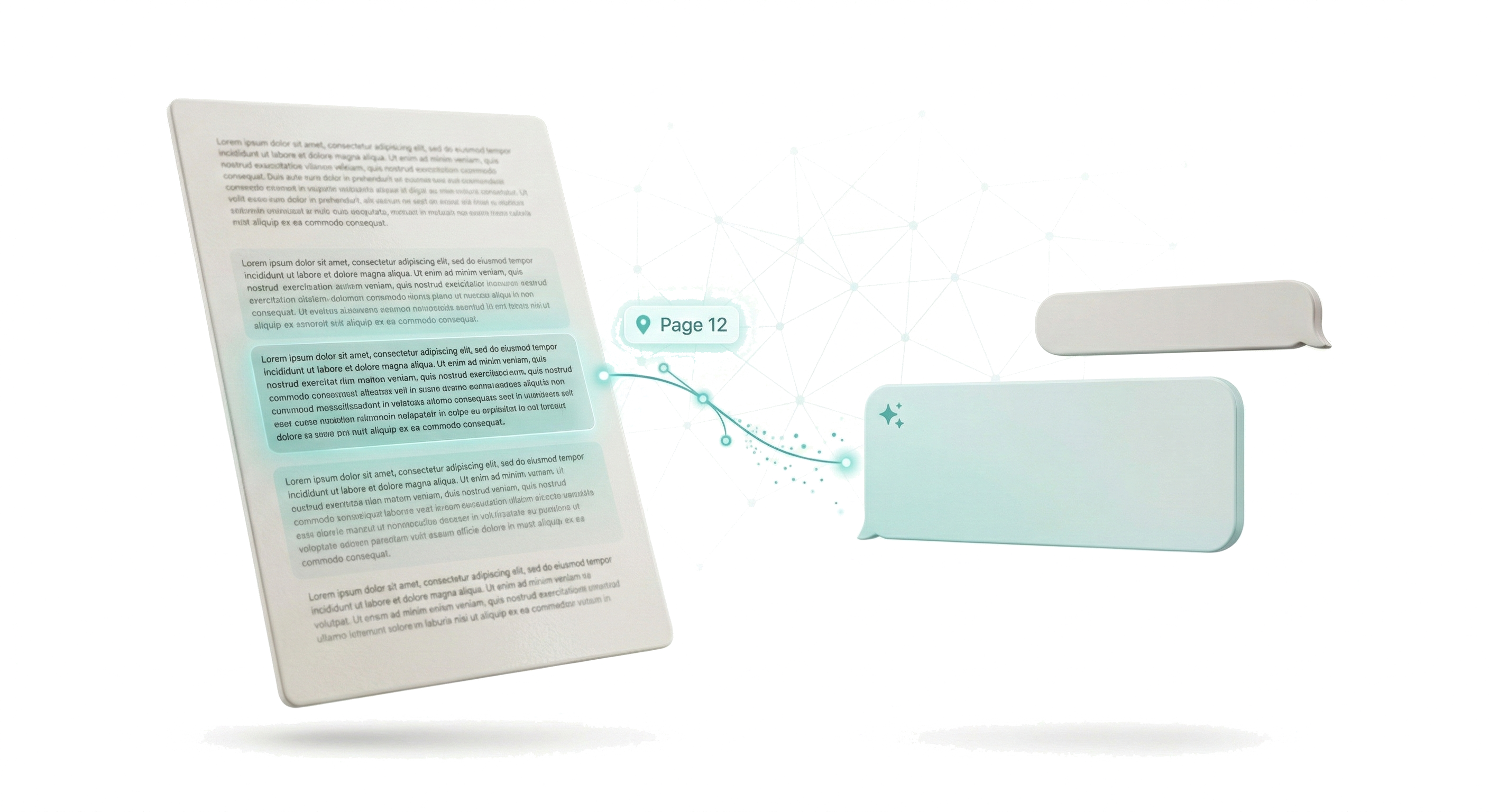
Ask questions about your PDFs in natural language. Get summaries, extract data, find information, and more. AI responses include page citations so you can verify answers.

๐ŸŸ 

Anthropic Claude

Use Claude 3 and Claude 4 models for intelligent document analysis.

๐ŸŸข

OpenAI GPT

Connect to GPT-4o, GPT-4, and GPT-3.5 models.

๐Ÿ”ต

OpenRouter

Access 200+ models from all providers through one API.

๐Ÿฆ™

Ollama (Local AI)

Run AI 100% locally on your Mac. No internet, no API keys, complete privacy.

๐ŸŽฏ

AI Commands

Execute PDF operations via natural language. "Delete pages 1-3" or "Extract pages about contracts."

๐Ÿ“„

Page Citations

Every AI answer includes specific page references so you can verify the source.

๐Ÿ“Š

Data Extraction

Use AI to extract structured data, tables, lists, and key information from documents.

๐ŸŽ™๏ธ Voice Commands

Control the app and execute PDF operations using your voice

๐Ÿ—ฃ๏ธ

Speak Natural Commands

Just speak naturally: "Merge these PDFs", "Delete the first three pages", "Add a watermark that says confidential". AI understands your intent and executes the right operations.

๐Ÿ”’

On-Device Transcription

Voice is transcribed locally using Whisper. Your audio never leaves your Mac.

โœจ

AI Cleanup

AI cleans up filler words and hesitations to understand your actual intent.

โšก

Instant Execution

Voice commands execute immediately โ€” no typing, no menus, just speak and done.

โšก Batch Processing

Process dozens of PDFs at once

๐Ÿ“š

20+ Batch Operations

Apply any operation to multiple PDFs simultaneously: Split, Extract, Delete, Rotate, Crop, Compress, Grayscale, Watermark, Page Numbers, Header/Footer, Password Protect, Remove Metadata, Extract Text, Extract Images, Merge All, Add Margins, Flatten Forms, Optimize for Web, Bates Numbering, and more.

๐Ÿ”—

Chain Operations

Stack multiple operations to run in sequence on all files.

๐Ÿ“Š

Progress Tracking

See real-time progress for each file being processed.

๐Ÿ”ง Shortcuts & Automation

Integrate with macOS Shortcuts for automation

๐Ÿ”—

Merge Intent

Automate PDF merging via macOS Shortcuts.

โœ‚๏ธ

Split Intent

Automate PDF splitting in workflows.

๐Ÿ”„

Rotate Intent

Automate page rotation in Shortcuts.

๐Ÿ“ฆ

Compress Intent

Automate compression via Shortcuts.

๐Ÿ’ง

Watermark Intent

Add watermarks automatically.

๐Ÿ“

Extract Text Intent

Extract text in automated workflows.

<1second

to open a 500-page PDF

Built for speed

Native Swift and SwiftUI. No Electron, no web views, no bloat. Just pure Mac performance that opens instantly and never slows you down.

  • โœ“ Native macOS app - not a web wrapper
  • โœ“ Instant startup - no loading screens
  • โœ“ Batch processing for multiple files
  • โœ“ Low memory footprint

Chat with your documents

Ask questions, get answers with page citations. Extract data, summarize content, find information instantly.

Annual Report 2024.pdf
What was Q3 revenue?
Q3 revenue was $4.2M, representing a 23% increase year-over-year.
๐Ÿ“„ Page 12
List all action items
Found 5 action items:
1. Expand APAC team by Q2
2. Launch mobile app beta
3. Review pricing strategy...
๐Ÿ“„ Pages 8, 15, 22

Your PDF, smarter

Connect your own AI provider (Claude, GPT, OpenRouter) or use local models with Ollama for fully offline operation. Your API keys, your choice.

๐Ÿ’ฌ

Ask Questions

Natural language queries with cited answers

๐Ÿ“Š

Extract Data

Pull out dates, amounts, names, key points

๐Ÿ“

Summarize

Get concise summaries of long documents

๐Ÿ”

OCR Built-in

Search and chat with scanned documents

Speak naturally. Watch it happen.

On-device transcription understands what you mean, not just what you say.

๐ŸŽ™๏ธ
You say
"Um delete the first three pages and then rotate page five to the like right"
AI cleans up
โœจ
App executes
1. Delete pages 1, 2, 3
2. Rotate page 5 clockwise 90ยฐ
๐Ÿ—‘๏ธ
Delete
"Remove pages 5-10"
๐Ÿ”„
Rotate
"Flip all pages right"
โœ‚๏ธ
Split
"Split after page 20"
๐Ÿ“‹
Extract
"Get pages 1, 5, 10"

Your documents never leave your Mac
In a world of cloud uploads, we built everything to run locally. Your files, your voice, your conversations - all processed on your machine.

๐Ÿ’ป

100% Local

No cloud uploads ever

๐ŸŽค

On-Device Voice

All processing stays on-device

๐Ÿ”

Offline AI Option

Use Ollama for 100% offline

๐Ÿšซ

No Account

Download and use. That's it.

๐Ÿ”’

Choose your plan

Subscribe monthly, save with yearly, or pay once and own forever.

Monthly

$4.99 /month

Full access, cancel anytime

โœ“ All PDF operations
โœ“ AI Chat with citations
โœ“ Voice commands
โœ“ All AI providers
Get Started
Best Value

Lifetime

$59.99 once

Pay once, own forever

โœ“ All PDF operations
โœ“ AI Chat with citations
โœ“ Voice commands
โœ“ All AI providers
โœ“ Free updates forever
Buy Lifetime

Meanwhile, the alternatives charge...

$240/yr
Adobe Acrobat
$130
PDFpen (no AI)
$80/yr
PDF Expert

Ready to take control of your PDFs?

Download now. No account needed. No credit card required.

Download on the Mac App Store